

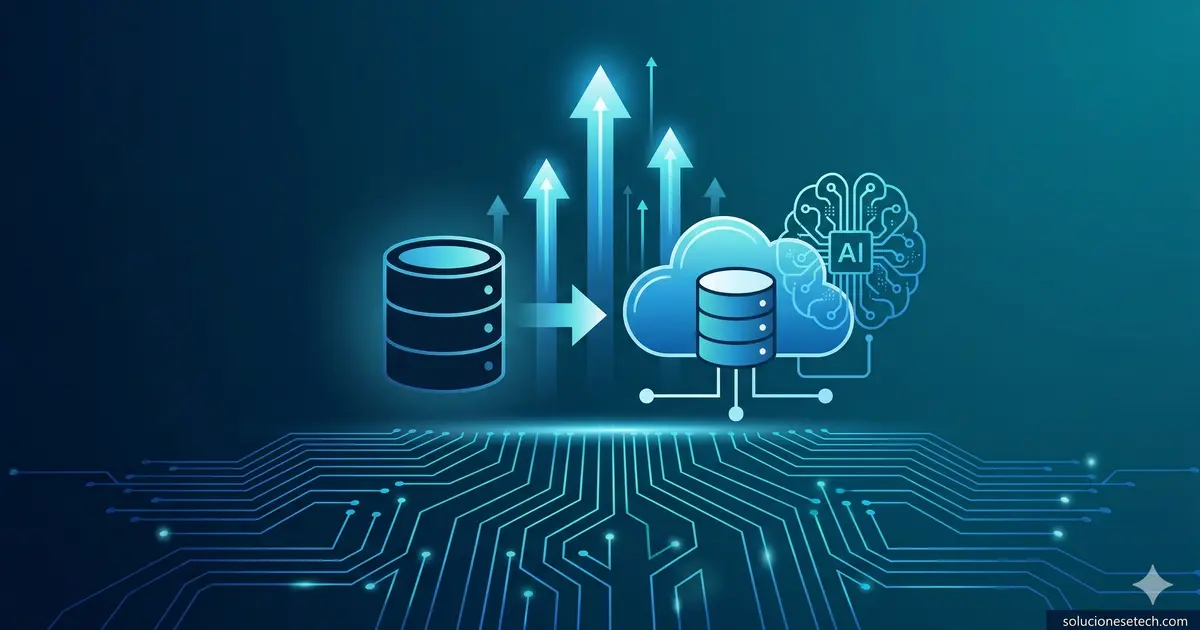
Every AI initiative has the same dependency, and it is not the model. It is the data underneath it.
Organizations invest in Azure OpenAI Service, Copilot integrations, and predictive analytics platforms — then discover that their databases cannot serve as reliable sources for any of these tools. The data exists. It is just trapped in infrastructure that was never designed for modern AI workloads.
This is the core message Microsoft is delivering through its partner ecosystem right now: good AI starts with well-managed data. Not more data. Not bigger data lakes. Data that is clean, structured, and accessible through managed services with native AI integration.
As a Microsoft Solutions Partner for Infrastructure (Azure), we see this pattern consistently across organizations of every size. The gap between "having data" and "having AI-ready data" is almost always a database modernization problem.
Legacy databases are the bottleneck you are not measuring
Most organizations running SQL Server on-premises or databases on unmanaged virtual machines do not think of their database layer as a blocker. The databases work. Queries return results. Applications function.
But functional is not the same as ready. Every legacy database running on physical hardware or an unmanaged VM carries limitations that become visible only when you try to connect it to modern services:
- No automatic scaling. When a workload spikes, someone has to manually provision resources — assuming they notice in time.
- No built-in high availability. Resilience depends on manually configured clustering or replication setups that are rarely tested under real failure conditions.
- No native AI integration. Connecting an on-premises SQL Server 2016 instance to Azure OpenAI Service or Azure AI Search requires building data bridges that add latency, complexity, and maintenance burden.
- Escalating maintenance costs. Patching, backup management, monitoring, licensing — all of it falls on internal teams already stretched thin.
The consequence is predictable. When the organization decides to adopt AI, the first obstacle is not choosing the right model. It is discovering that the data is locked in infrastructure that cannot serve as a reliable source for modern workloads.
What database modernization actually means on Azure
Modernization does not require rewriting your applications or abandoning your existing data models. It means moving your databases to managed services where Microsoft handles the infrastructure layer — patching, backups, high availability, scaling — and your team focuses on data and business logic.
Two services form the foundation of this modernization path:
Azure SQL Database
This is the fully managed version of SQL Server in the cloud. If your organization already runs SQL Server, migration is straightforward because engine compatibility is near-complete. What changes is everything surrounding the engine:
- Built-in high availability. Azure SQL Database includes automatic replication with a 99.99% SLA. No manual Always On Availability Group configuration required.
- Elastic scaling. Compute resources scale up or down without downtime, and you pay only for what you use.
- Security by default. Transparent data encryption, threat detection, and auditing are enabled without additional configuration.
- Native AI integration. Azure SQL Database connects directly to Azure AI Search, Azure OpenAI Service, and other AI services without intermediate data pipelines.
Azure Cosmos DB
For workloads requiring global distribution, single-digit millisecond latency, or flexible data models (documents, graphs, key-value), Cosmos DB is the answer. It is particularly relevant for applications generating high-velocity data — IoT, telemetry, mobile applications — that need to feed AI models in real time.
Cosmos DB provides automatic multi-region replication, configurable consistency levels, and multiple APIs including MongoDB and PostgreSQL compatibility. This makes migration from existing NoSQL databases significantly less disruptive than building from scratch.
Performance and resilience: what AI workloads actually demand
A database serving AI workloads needs two capabilities that legacy databases rarely deliver consistently: predictable performance and continuous resilience.
Predictable performance means queries return results in consistent timeframes regardless of load. When an AI model needs to read thousands of records to generate an inference, a latency spike at the database layer translates directly into a slow or failed response for the end user. Azure SQL Database and Cosmos DB are architected to maintain stable response times because the underlying infrastructure adjusts automatically to workload changes.
Continuous resilience means the database remains available through hardware failures, software updates, and regional outages. In Azure managed services, replication is automatic, failovers are transparent, and backups are handled without manual intervention. An on-premises SQL Server that loses a disk at 3 AM needs someone to respond. An Azure SQL Database recovers on its own.
These two factors — performance and resilience — are what separate AI projects that work in production from AI projects that only work in demos.
Openness and interoperability: not a closed ecosystem
A legitimate concern we hear from clients evaluating Azure is vendor lock-in. The reality is more open than most expect. Azure SQL Database runs the same SQL Server engine you already know. Cosmos DB supports open APIs for MongoDB, PostgreSQL, Apache Cassandra, and Apache Gremlin. Azure Database for PostgreSQL and Azure Database for MySQL are fully managed services for open-source engines.
Microsoft has invested in interoperability because cloud adoption at scale requires that organizations can move data between platforms without rewrites.
A practical five-step migration framework
Based on the projects we have executed across the Americas, this is the framework that works for organizations modernizing databases without disrupting operations:
1. Inventory and assess. Use Azure Migrate and Data Migration Assistant to scan your current databases. Identify compatibility levels, dependencies, and workload complexity. This step reveals which databases can migrate directly and which require adjustments.
2. Prioritize by impact. Do not migrate everything simultaneously. Start with databases that benefit most from the managed model: those with performance issues, those requiring high availability, or those that will feed near-term AI projects.
3. Migrate with native services. Azure Database Migration Service enables online migrations with minimal downtime. For SQL Server, migration to Azure SQL Database can use continuous replication until you are ready to cut over.
4. Optimize post-migration. Once in Azure, review the portal's performance recommendations. Azure SQL Database includes a built-in advisor that suggests indexes, identifies slow queries, and recommends configuration adjustments.
5. Connect to AI services. With your data in managed services, integration with Azure AI Search, Azure OpenAI Service, or Power BI with Copilot is direct. The data is already in the format, location, and accessibility level these services require.
If your organization needs support evaluating your current database environment or designing a modernization strategy, our technology consulting team works directly with Microsoft's assessment tools to scope the effort. And if you are moving workloads to the cloud for the first time, our cloud migration practice covers architecture design through post-migration optimization.
Why the AI wave makes this urgent
The global acceleration of AI investment is compressing timelines for database modernization decisions that many organizations had deferred. Previously, the case for migrating databases was about cost reduction and operational simplification. Both arguments remain valid. But there is now a third argument that carries more weight: if your data is not in modern managed services, you cannot leverage AI.
Every month a critical database remains on an on-premises server is a month your organization cannot use that data to train models, power copilots, or automate processes with artificial intelligence.
Database modernization is not an infrastructure project. It is the prerequisite that determines whether your AI strategy is executable or theoretical.
Frequently asked questions
Can I migrate my on-premises SQL Server to Azure SQL Database without rewriting applications?
In most cases, yes. Azure SQL Database maintains very high compatibility with the SQL Server engine. The Data Migration Assistant tool analyzes your current database and identifies any incompatibilities before migration. The most common adjustments are minor — OS-specific features that do not apply in a managed service. Applications using standard T-SQL generally work without modification.
What is the difference between Azure SQL Database and SQL Server on an Azure virtual machine?
SQL Server on a VM gives you full control over the operating system and database engine, but you are responsible for patching, backups, high availability, and scaling. Azure SQL Database is a fully managed service: Microsoft handles all infrastructure and you focus on data and queries. For most workloads — especially those integrating with AI services — Azure SQL Database is the more efficient choice because it eliminates operational overhead and provides native integration with the Azure ecosystem.
Do I need to modernize my databases before implementing AI tools?
Practically speaking, yes. Azure AI tools — Azure OpenAI Service, Azure AI Search, Copilot — require structured, indexed data accessible through modern APIs. A legacy on-premises database can technically be connected, but the effort to build intermediate pipelines, manage connection security, and maintain data synchronization typically exceeds the effort of migrating to a managed service. Database modernization is not an optional step — it is the foundation on which any AI initiative is built.